
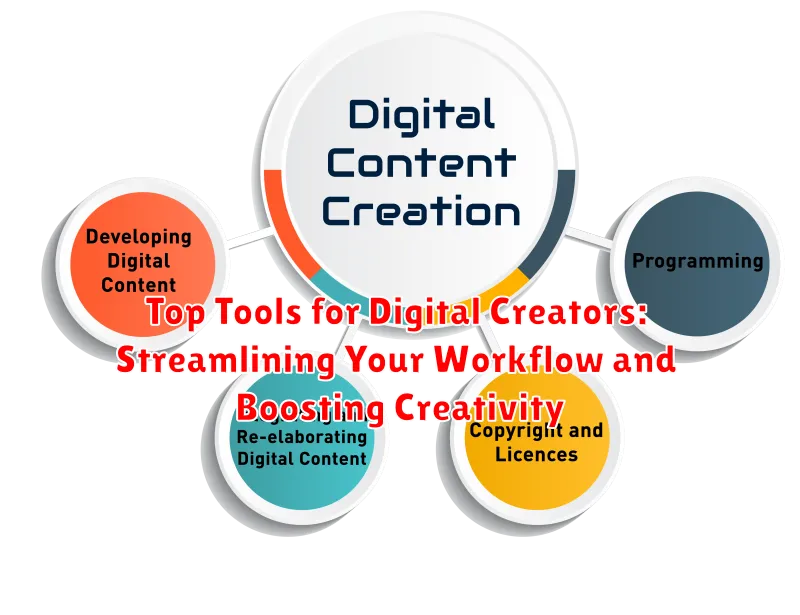
In today’s digital landscape, content creation has become more accessible than ever. However, with the rise of various platforms and increasing demands for high-quality content, creators face the challenge of streamlining their workflow while maintaining a high level of creativity. This article explores the top tools for digital creators, encompassing software and platforms designed to boost creativity, enhance productivity, and simplify the often complex process of content creation. Whether you’re a seasoned professional or just starting out, understanding the power of these digital tools can significantly impact your creative output and overall success. We will delve into the functionalities and benefits of these resources, providing you with the knowledge to select the best tools to meet your specific creative needs.
From video editing software to graphic design platforms and social media management tools, the options available can be overwhelming. This comprehensive guide aims to simplify the selection process by highlighting the key features and advantages of each tool. We’ll cover tools for streamlining your workflow, such as project management platforms and automation software. We’ll also explore tools designed to specifically boost creativity, including brainstorming apps and inspiration-generating resources. By leveraging the power of these digital creator tools, you can optimize your creative process, freeing up valuable time and energy to focus on what matters most – bringing your unique vision to life.
Content Creation Tools
Content creation tools are essential for producing high-quality, engaging content across various platforms. These tools help streamline the writing process, enhance creativity, and ensure polished final products.
For generating written content, consider these options:
- Grammarly: This tool helps refine grammar, spelling, punctuation, clarity, and engagement in your writing. It offers real-time suggestions and explanations to improve overall quality.
- Google Docs: A collaborative writing platform enabling real-time co-editing, version history, and seamless sharing. Its accessibility and versatility make it ideal for various content types.
- Microsoft Word: A robust word processor packed with features for formatting, styling, and organizing complex documents. Its offline accessibility and advanced features are beneficial for long-form content.
Content creation also extends beyond written text:
- Canva: A user-friendly graphic design platform for crafting visuals, presentations, and social media graphics. Its intuitive interface and pre-designed templates make visual content creation accessible to all skill levels.
Video Editing and Production Tools
Video editing and production tools are essential for creators working with video content. Choosing the right software can significantly impact the quality and efficiency of your workflow.
For beginners or those needing basic editing features, user-friendly options like iMovie (Mac) or Windows Video Editor offer a simplified interface and essential tools.
Intermediate to advanced users may prefer more powerful software like Adobe Premiere Pro or Final Cut Pro. These professional-grade applications provide advanced editing capabilities, including color correction, special effects, and multi-camera editing.
DaVinci Resolve is another popular option known for its robust color grading features, making it a favorite among filmmakers and colorists.
For screen recording and basic video editing, tools like OBS Studio and Camtasia offer efficient workflows. These are especially useful for creating tutorials, presentations, and gaming content.
Social Media Management Tools
Efficiently managing your social media presence is crucial for any digital creator. These tools help streamline content scheduling, engagement, and analytics.
Some popular choices include:
- Buffer: Known for its intuitive scheduling and analytics features.
- Hootsuite: Offers a comprehensive dashboard for managing multiple social media accounts.
- Later: Focuses on visual content scheduling, particularly useful for Instagram.
- SproutSocial: Provides robust social listening and engagement tools for businesses.
These platforms typically allow you to schedule posts, track performance, and engage with your audience across various social media channels. Choosing the right tool depends on your specific needs and budget.
Project Management and Collaboration Tools
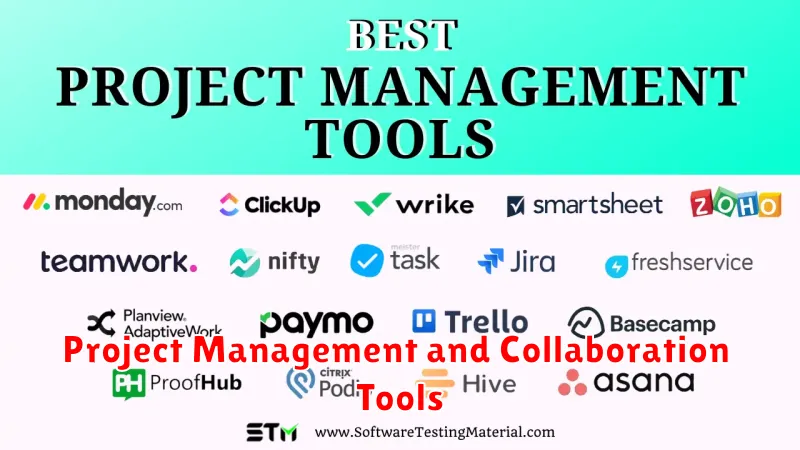
Effective project management is crucial for digital creators to stay organized, meet deadlines, and collaborate seamlessly. Project management and collaboration tools provide a centralized platform for managing tasks, tracking progress, and communicating with team members.
Popular options include tools like Asana, Trello, and Monday.com. These platforms offer features such as task assignment, deadline setting, progress tracking, file sharing, and communication channels. They help streamline workflows, improve team communication, and ensure projects are completed efficiently.
Choosing the right project management tool depends on the specific needs of the creator or team. Consider factors like project complexity, team size, and budget when making a selection. Some tools offer free plans with basic features, while others offer premium plans with more advanced functionalities.
Analytics and Performance Tracking Tools
Understanding your audience and the performance of your content is crucial for growth. Analytics tools provide valuable insights into how your content is being consumed, allowing you to refine your strategies and optimize for better results.
Website analytics platforms like Google Analytics track website traffic, user behavior, and conversions. These tools offer a comprehensive overview of your website’s performance, helping you identify areas for improvement and understand which content resonates most with your audience.
Social media analytics dashboards, often built into the platforms themselves or available through third-party tools, provide metrics on engagement, reach, and follower growth. Tracking these metrics allows you to assess the effectiveness of your social media strategies and tailor your content to better engage your target audience.
Graphic Design and Visual Content Tools
Visuals are crucial for any digital creator. High-quality graphics can elevate your content and capture audience attention. Thankfully, numerous tools are available to assist, regardless of your design expertise.
Canva stands out as a user-friendly option with a vast library of templates, stock photos, and design elements, making it ideal for quick creations. For more advanced projects, Adobe Photoshop remains an industry standard, offering powerful editing capabilities and extensive control over image manipulation.
Adobe Illustrator is a vector graphics editor perfect for creating logos, illustrations, and scalable graphics. If you’re working with layouts for print or digital media, Adobe InDesign provides precise control over typography and page elements. Finally, for creating infographics and data visualizations, consider tools like Piktochart or Visme, which simplify the process with pre-designed templates and intuitive interfaces.
Audio Editing and Production Tools
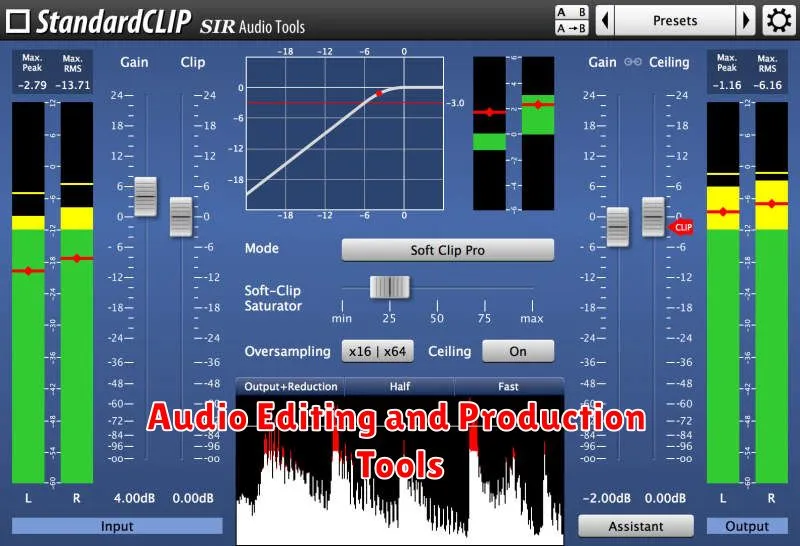
High-quality audio is crucial for many digital creators, whether you’re producing music, podcasts, or voiceovers. Selecting the right audio editing and production software can significantly impact your final product. Here’s a look at some essential tools:
Digital Audio Workstations (DAWs): DAWs are the cornerstone of audio production, offering a comprehensive platform for recording, editing, mixing, and mastering audio. Popular choices include Audacity (free and open-source), GarageBand (free for Mac users), and more advanced options like Ableton Live, Logic Pro X, and Pro Tools.
Audio Interfaces: An audio interface is a hardware device that connects your microphones and instruments to your computer. It improves the quality of your recordings by providing better preamps and analog-to-digital conversion. Focusrite and PreSonus are reputable brands offering interfaces for various budgets.
Microphones: The right microphone is essential for capturing clear and professional-sounding audio. Consider dynamic microphones for louder sources and condenser microphones for more sensitive recordings. Research different polar patterns (like cardioid or omnidirectional) to best suit your recording environment.
Marketing and Automation Tools
Marketing automation platforms can significantly streamline campaigns and improve overall marketing efficacy. These tools help automate repetitive tasks, personalize outreach, and analyze campaign performance for better results. Choosing the right tool depends heavily on the specific marketing needs and budget of the creator.
Email marketing platforms allow creators to build email lists, segment audiences, and automate email sequences for newsletters, product launches, or other promotional activities. They also offer analytics to track email open rates, click-through rates, and conversions, providing valuable insights into campaign effectiveness.
Social media scheduling tools allow for planning and scheduling posts across multiple platforms, saving creators time and ensuring consistent posting schedules. These tools often include analytics features for tracking engagement and identifying optimal posting times.
Advertising platforms, while not strictly automation tools, offer robust campaign management features. These platforms, like those offered by major social media networks, allow targeted advertising to reach specific demographics and interests.
Tips for Choosing the Right Tools
Selecting the right tools can significantly impact your efficiency and output. Consider these key factors when making your decisions:
1. Define Your Needs
Clearly identify your core requirements. What tasks do you need to accomplish? Listing your essential functions will help narrow your choices.
2. Budget Considerations
Balance cost with value. While free tools offer accessibility, premium options often provide advanced features and support. Explore free trials before committing to paid subscriptions.
3. Ease of Use and Learning Curve
Prioritize user-friendly interfaces. A tool’s complexity shouldn’t hinder your workflow. Look for intuitive designs and readily available resources.
4. Integration and Compatibility
Ensure seamless integration. Your chosen tools should work well together and with existing software. Check for compatibility across different platforms and devices.
5. Scalability and Future Needs
Anticipate future demands. As your work evolves, your tools should adapt. Choose solutions that offer scalability and can handle increasing workloads.
